

Recipes
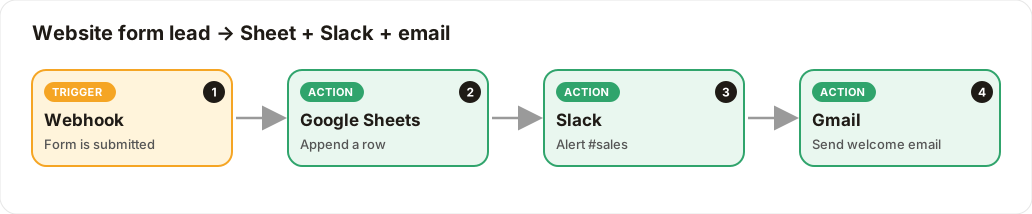
Website form lead → Google Sheet + Slack + welcome email
Every form submission is saved, announced to sales, and welcomed by email.
Level: Beginner · Time: about 15 minutes · Category: Sales, e-commerce & CRM
Watch the workflow being built in BeeGentic (no sound).
What it does
When someone submits your website's contact form, BeeGentic adds the lead to a Google Sheet, alerts #sales in Slack, and emails the person a welcome.
You'll need
- A form that can send a webhook (Typeform, Webflow, WordPress form plugins, or your own site)
- Google Sheets, Slack, Gmail
Build it step by step
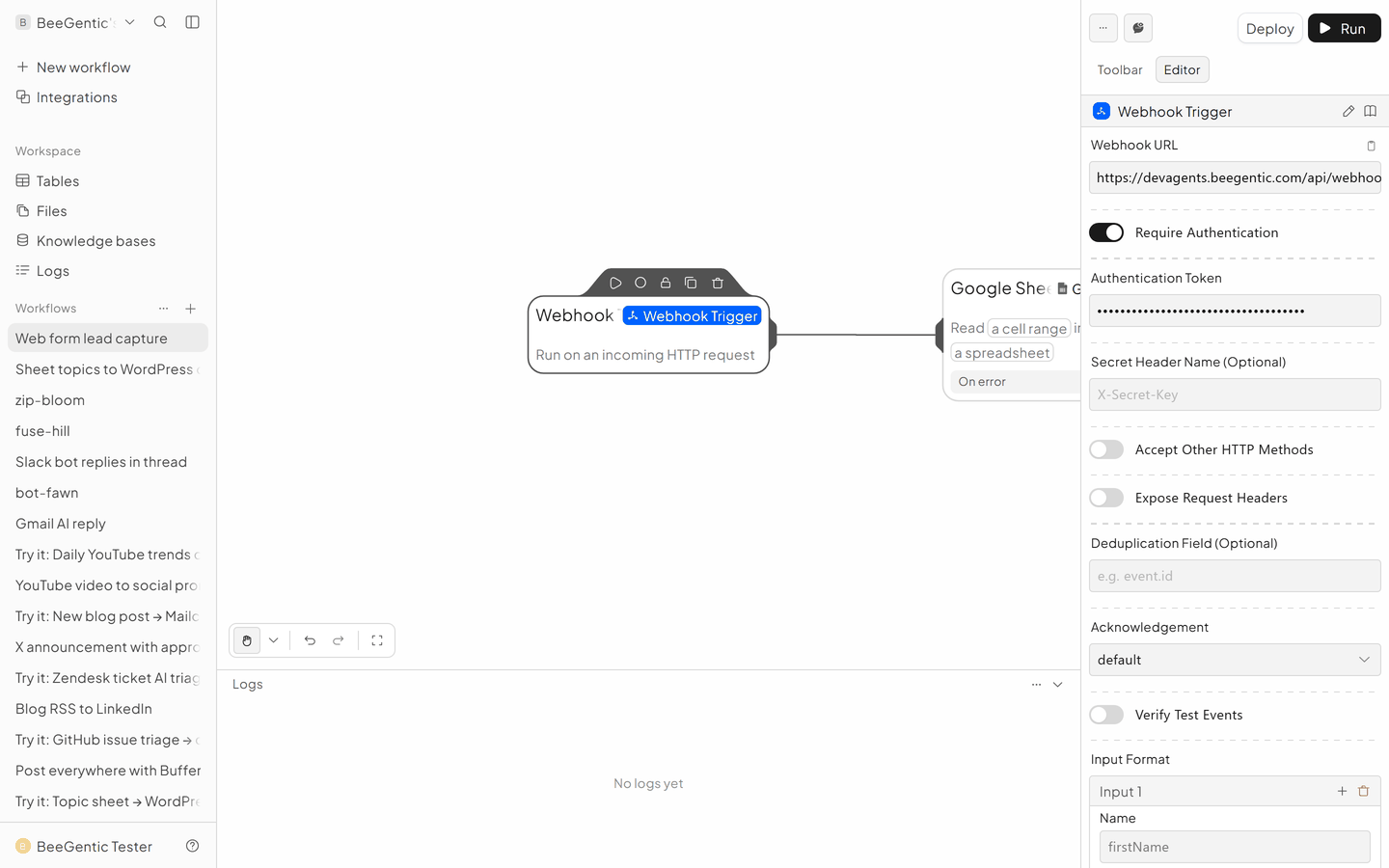
Add the Webhook trigger
New workflow, delete Start. Triggers → Webhook Trigger.
- Copy the Webhook URL into your form tool
- Turn on Require Authentication with a token
- A form sending
{"name":"Ada","email":"ada@example.com"}gives<webhook.name>and<webhook.email>
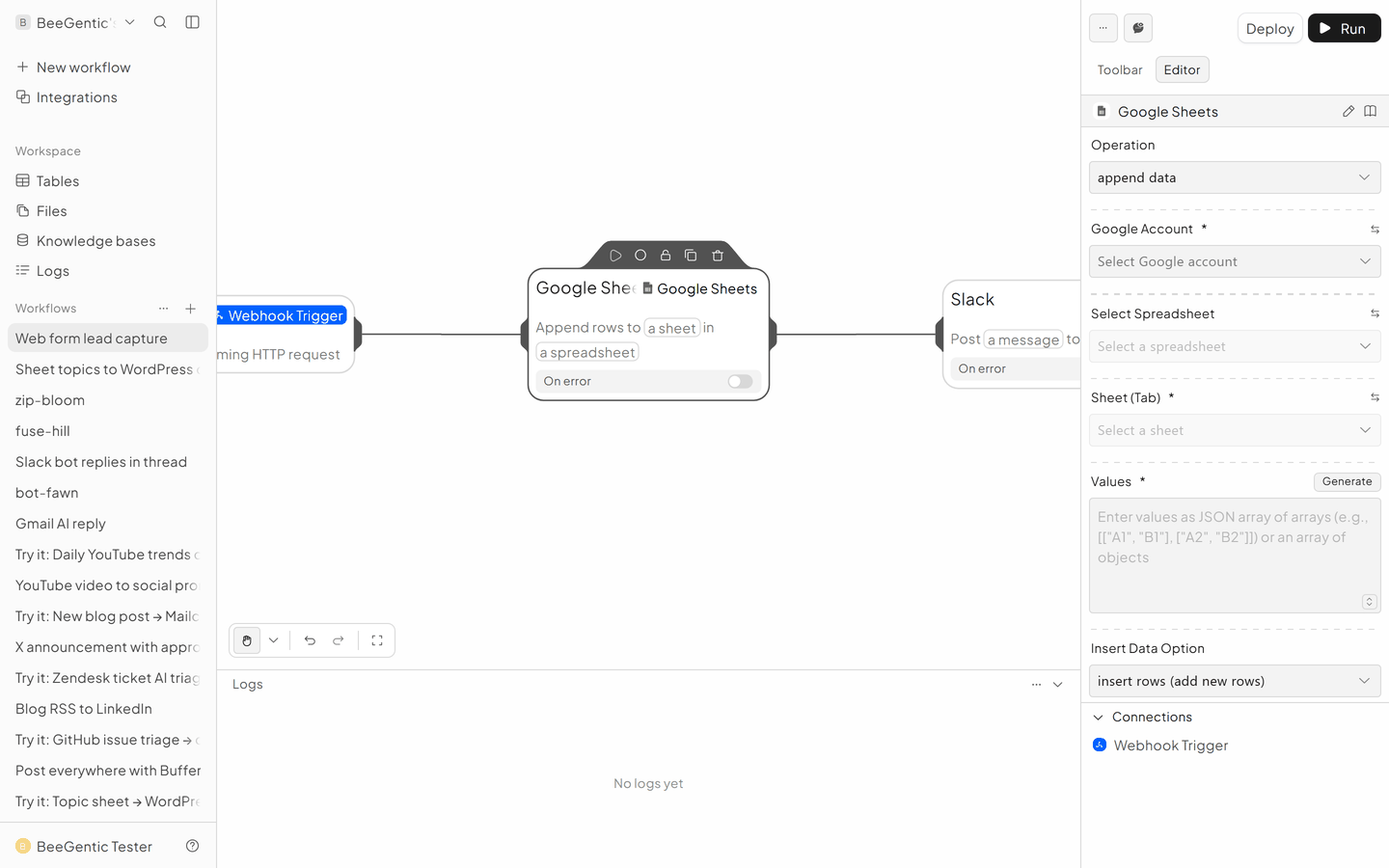
Save to Google Sheets
- Operation: Append Data
- Spreadsheet / Sheet (Tab): Leads
- Values:
[["<webhook.name>", "<webhook.email>", "<webhook.message>"]]
Alert Slack
- Send Message to
#sales - Message:
New lead: <webhook.name> (<webhook.email>)
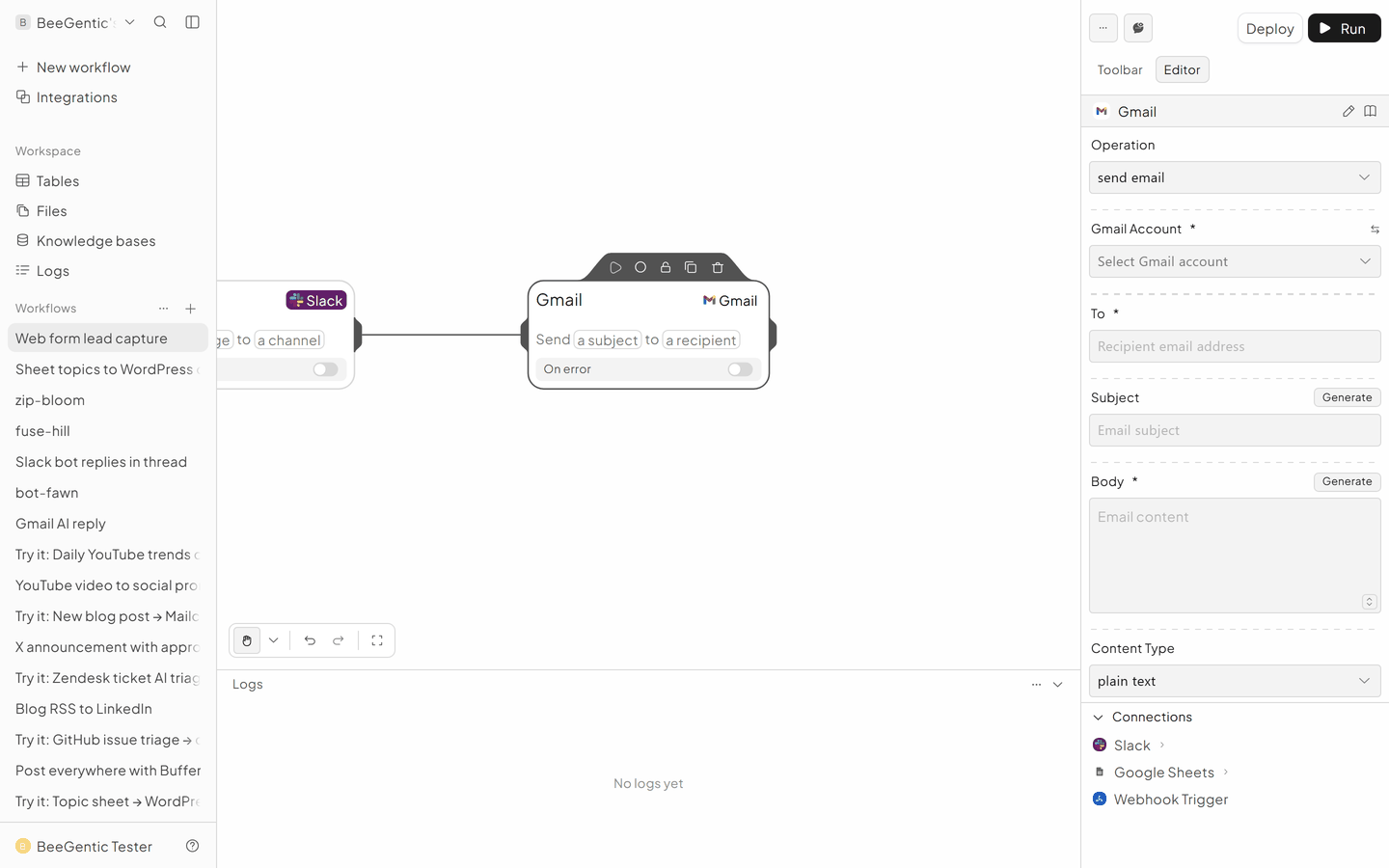
Welcome email
Gmail → Send Email.
- To:
<webhook.email> - Subject:
Thanks for contacting us, <webhook.name> - Body: your welcome text
The finished workflow

Test it and switch it on
Deploy and submit your form, or run in a terminal:
curl -X POST "<your webhook URL>" -H "Content-Type: application/json" \
  -d '{"name":"Test","email":"you@example.com","message":"Hi"}'
Make it yours
- Score leads: an Agent rates the lead 1–5 and a Condition only alerts Slack for 4–5.
- CRM: add HubSpot Create Contact.
Something not working? See Troubleshooting or get help.