

AI image + caption → Instagram and Facebook
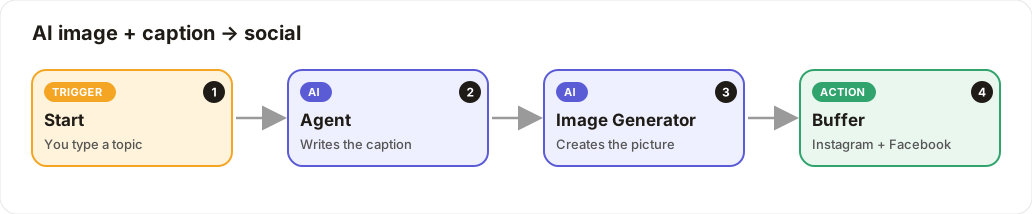
Type a topic: the AI writes the caption, generates an image, and posts both.
Level: Beginner · Time: about 10 minutes · Category: Social media
Watch the workflow being built in BeeGentic (no sound).
What it does
You type a topic and click Run. The AI writes an Instagram-ready caption, the Image Generator creates a matching picture, and Buffer posts both to Instagram and Facebook.
You'll need
- Buffer with Instagram and Facebook connected (
BUFFER_API_KEY) - An OpenAI key (
OPENAI_API_KEY) for the caption and the image
Build it step by step
Keep Start and add the Agent
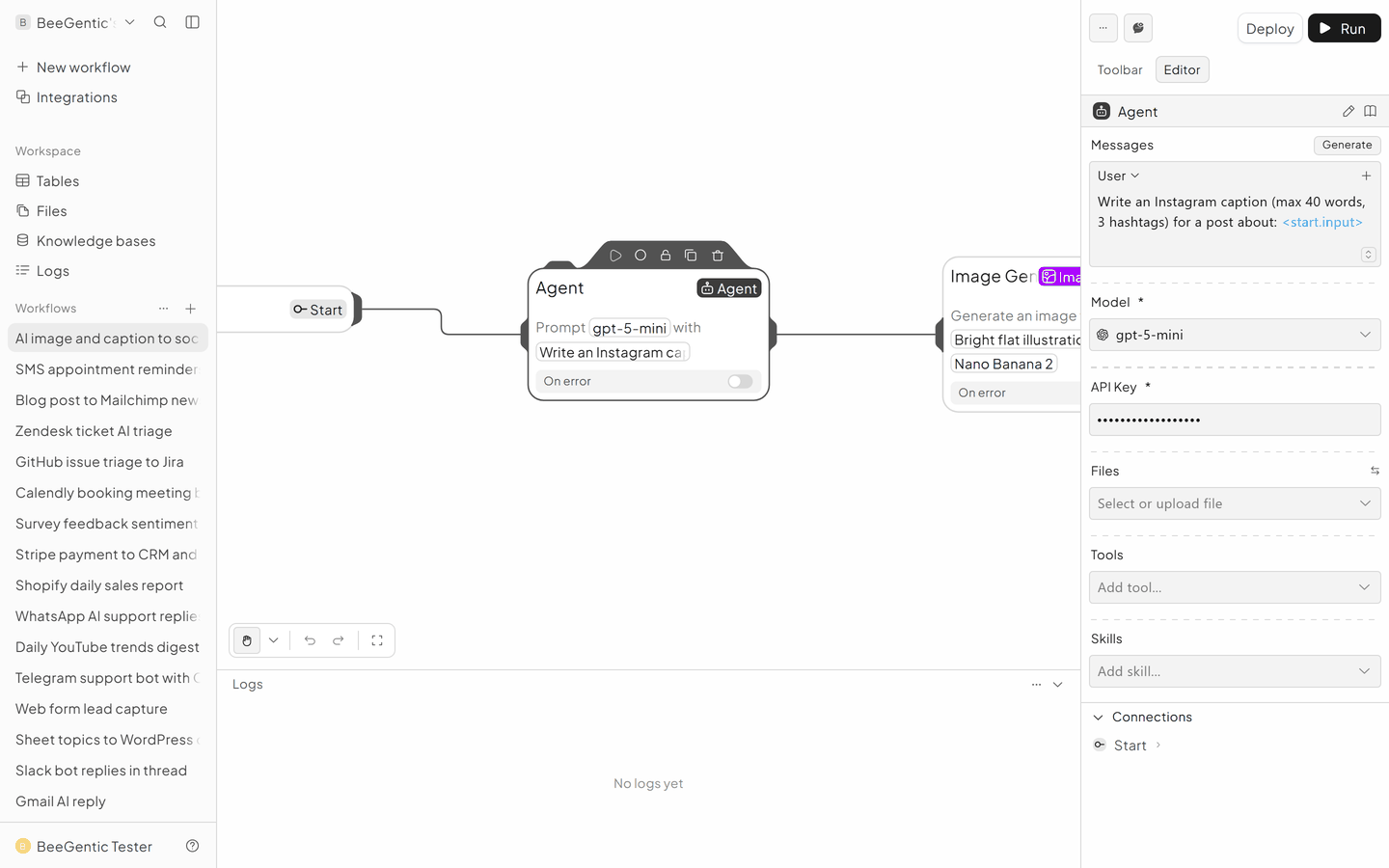
New workflow AI image post. Add Agent:
- Messages → User:
Write an Instagram caption (max 40 words, 3 hashtags) for a post about: <start.input> - Model:
gpt-5-mini - API Key:
{{OPENAI_API_KEY}}
Add Image Generator
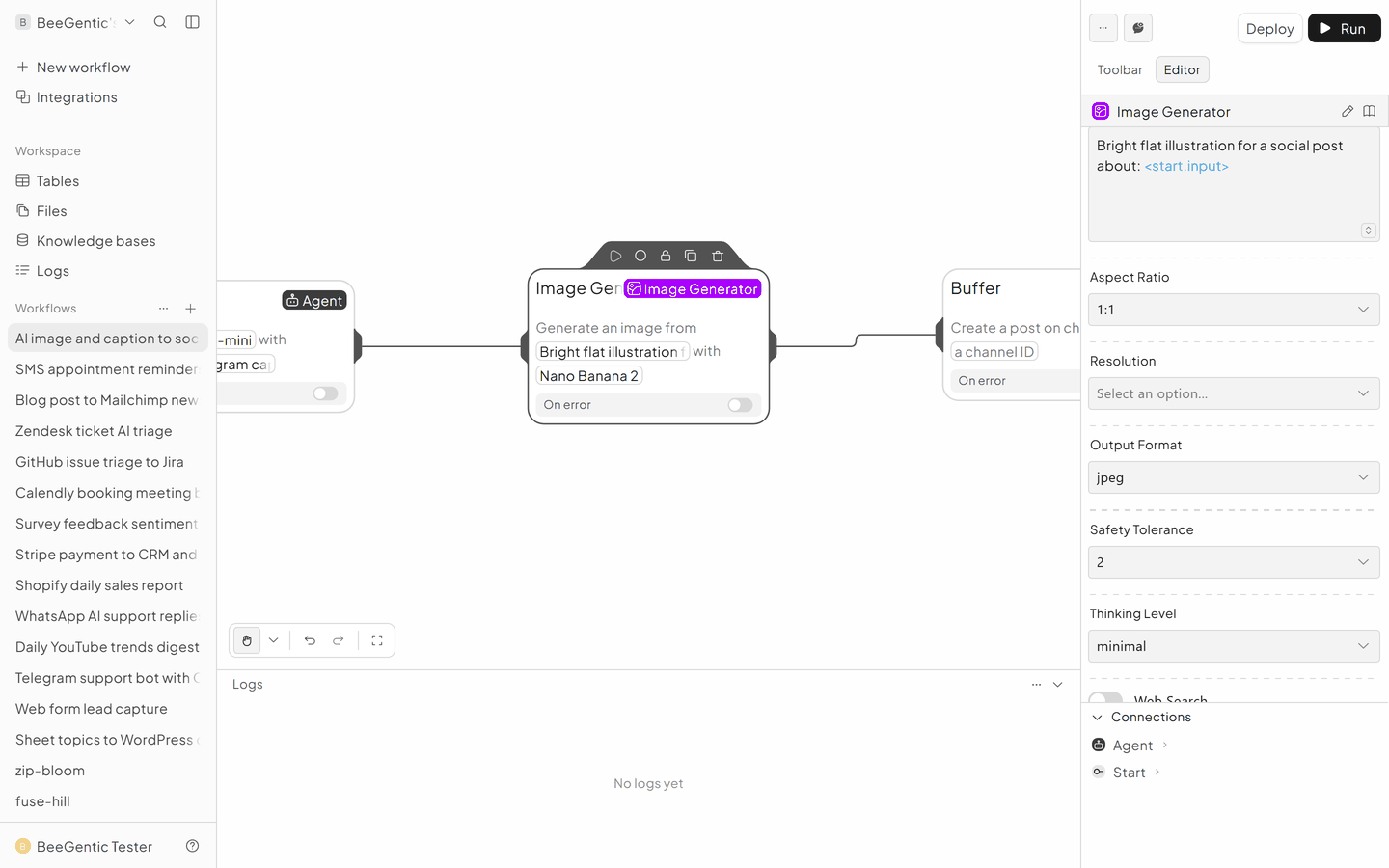
Blocks → Image Generator.
- Provider: OpenAI
- Model: GPT Image 1 Mini (fast, low cost)
- Prompt:
Bright flat illustration for a social post about: <start.input> - Size: Square (1024x1024)
- API Key:
{{OPENAI_API_KEY}}
Add Buffer
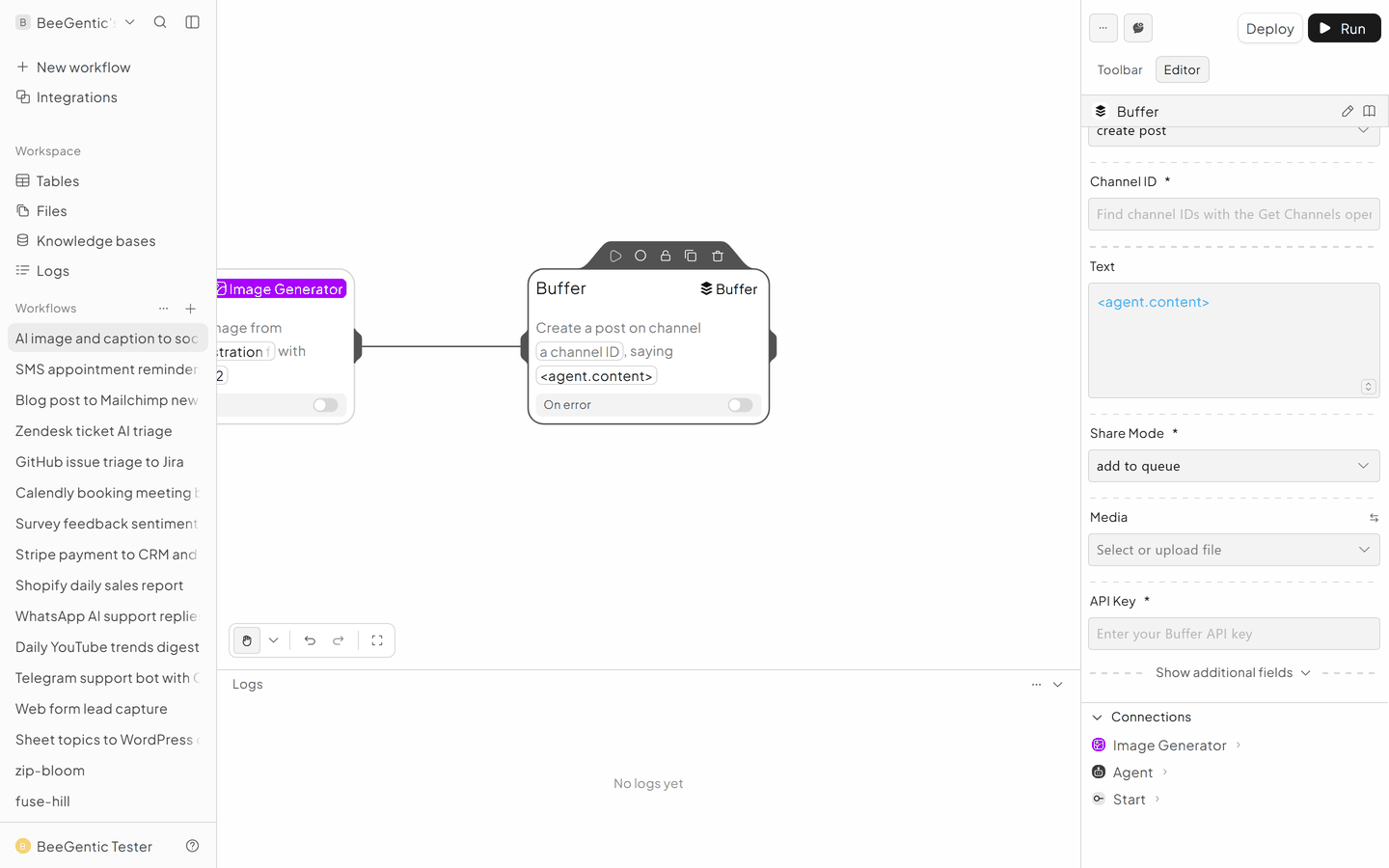
- Create Post
- Text:
<agent.content> - Media URL:
<imagegenerator.imageUrl> - Media Type: Image
- One block for your Instagram channel, one for Facebook
The finished workflow
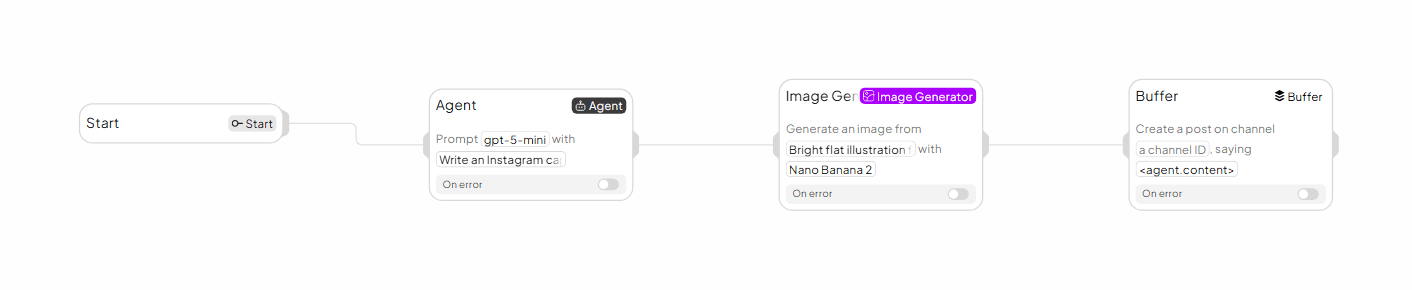
Example result
We ran the AI step of this recipe in BeeGentic (model gpt-5-mini) with a sample input. The text below is the actual output, unedited.
Sample input:
Write an Instagram caption (max 40 words, 3 hashtags) for a post about: our bakery's new honey-lavender croissantWhat BeeGentic produced:
Say hello to our honey-lavender croissant: flaky butter layers, floral honey glaze. Limited batch—taste spring in every bite. #HoneyLavender #FreshBaked #BakeryLove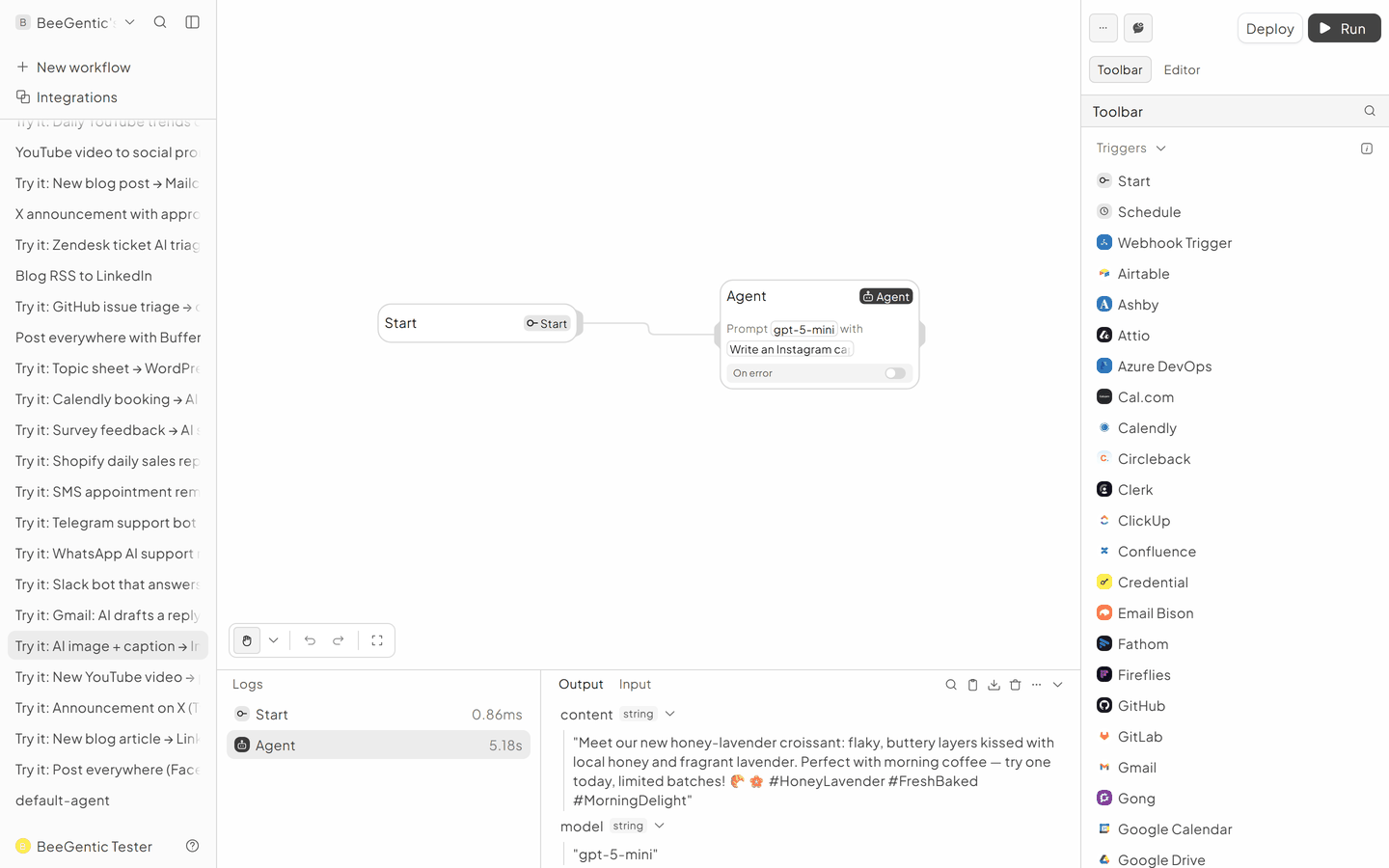
AI output varies from run to run. Change the wording of your prompt to change the style, length or tone.
Test it and switch it on
Click Run and type e.g. our bakery's new honey-lavender croissant. Check the image in the Logs panel before posting live; add a Human step for approval.
Make it yours
- Brand look: add your colours and style to the image prompt, e.g.
…in our brand colours honey-orange and charcoal, minimal style.
Something not working? See Troubleshooting or get help.