

Survey feedback → AI sentiment → Airtable + Slack alert
Every Typeform answer is scored by AI, saved to Airtable, and negative ones alert your team.
Level: Intermediate · Time: about 15 minutes · Category: Sales, e-commerce & CRM
Watch the workflow being built in BeeGentic (no sound).
What it does
When someone submits your Typeform survey, the AI labels the feedback positive, neutral or negative. It saves it to Airtable, and negative feedback alerts Slack straight away so you can follow up.

You'll need
- Typeform Personal Access Token (
TYPEFORM_TOKEN) and your form ID - Airtable base with a Feedback table
- Slack
Build it step by step
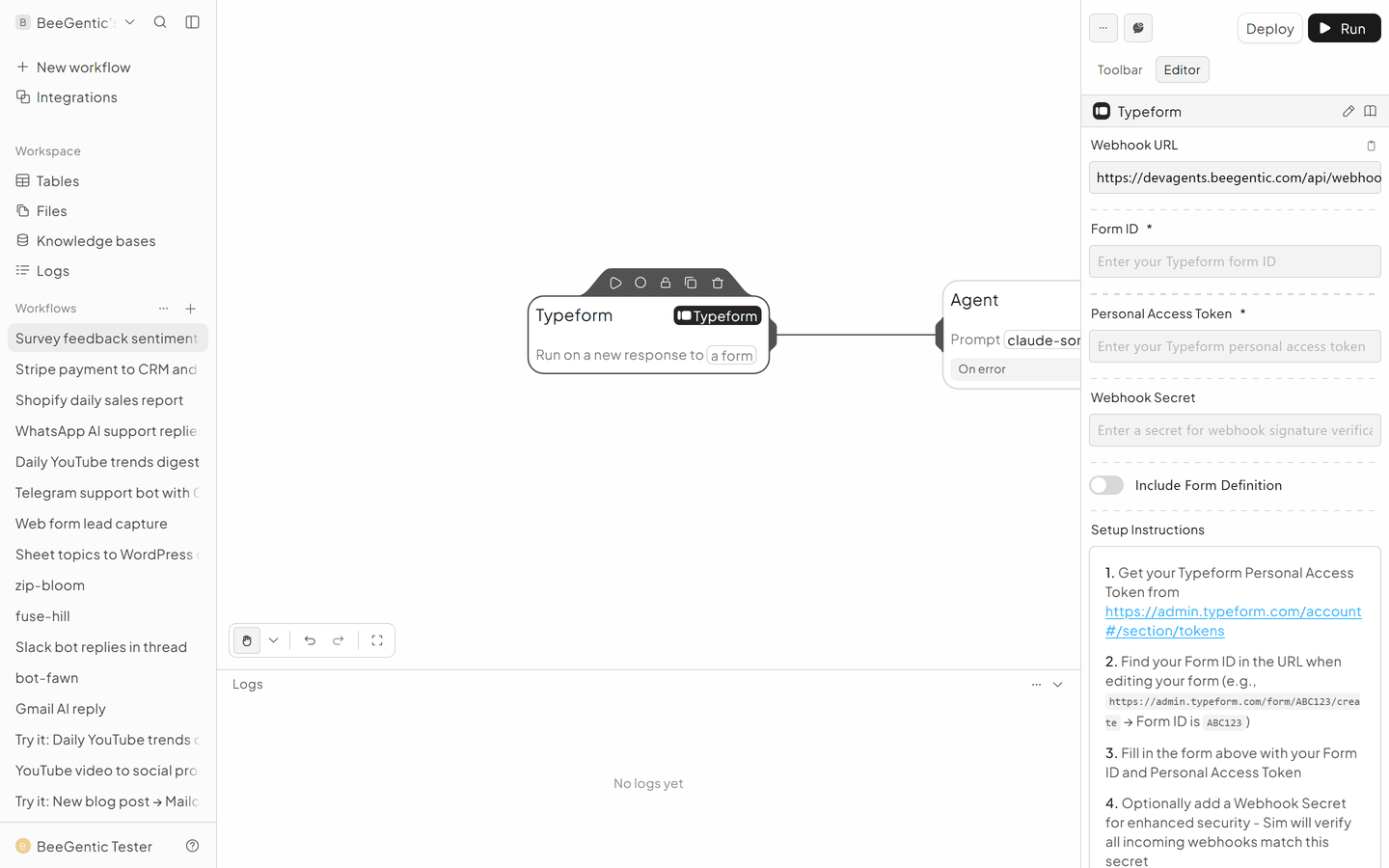
Add the Typeform trigger
Triggers → Typeform. Form ID: yours. Personal Access Token: {{TYPEFORM_TOKEN}}. BeeGentic registers the webhook for you when you deploy.
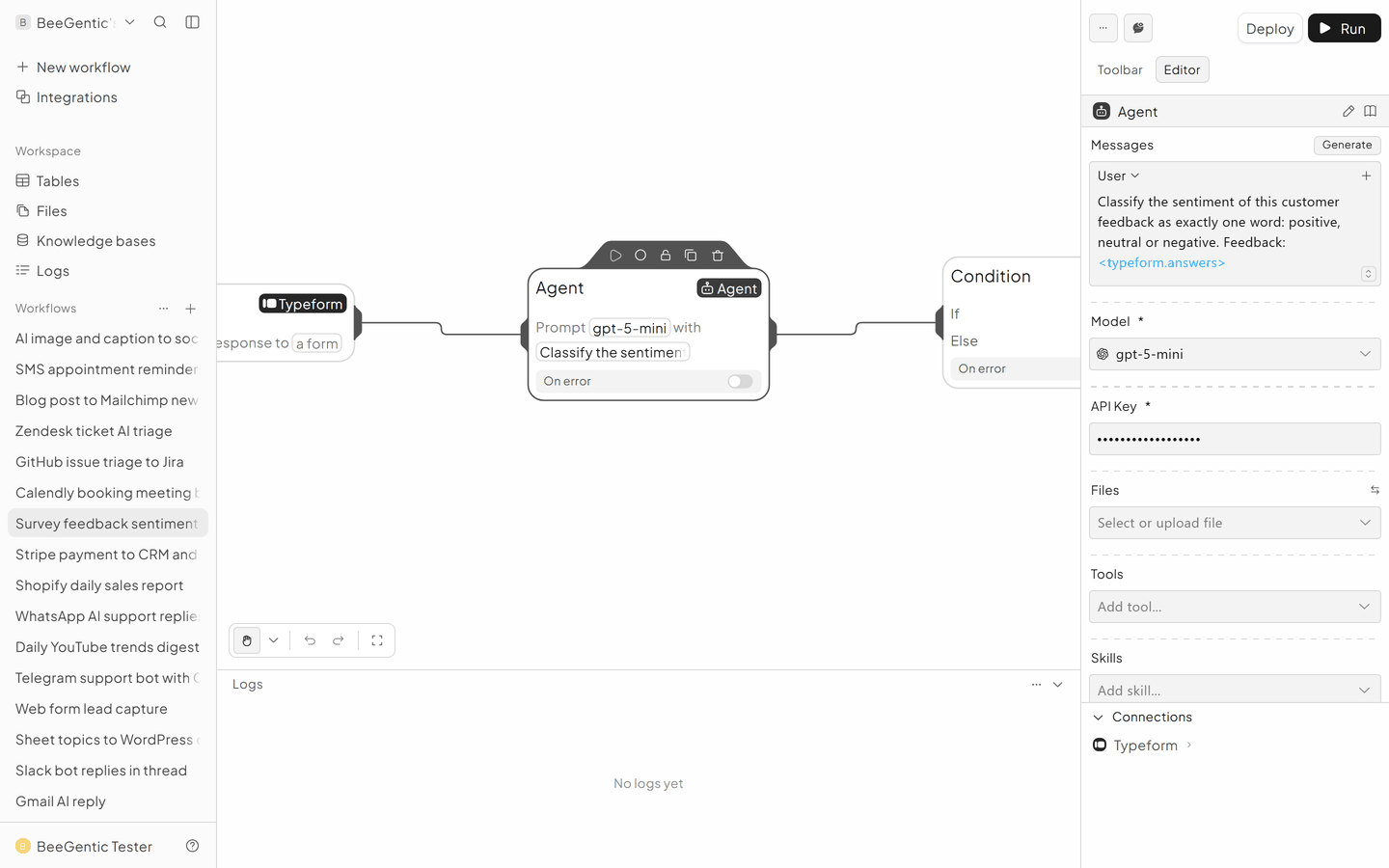
Classify with the Agent
User: Classify the sentiment of this customer feedback as exactly one word: positive, neutral or negative. Feedback: <typeform.answers>
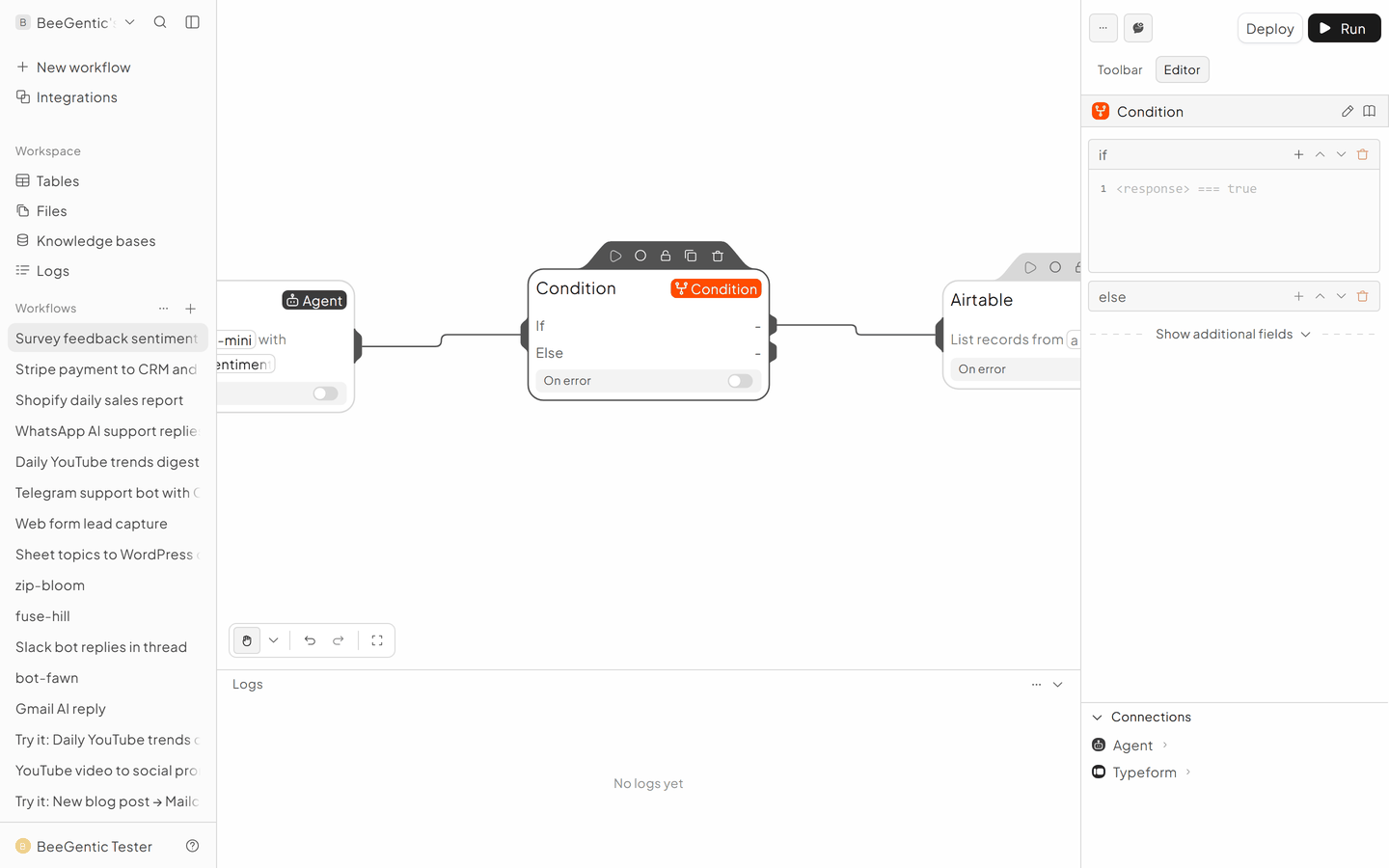
Branch with a Condition
Blocks → Condition. If: <agent.content> === 'negative'. Connect the if path to Slack, and let both paths continue to Airtable.
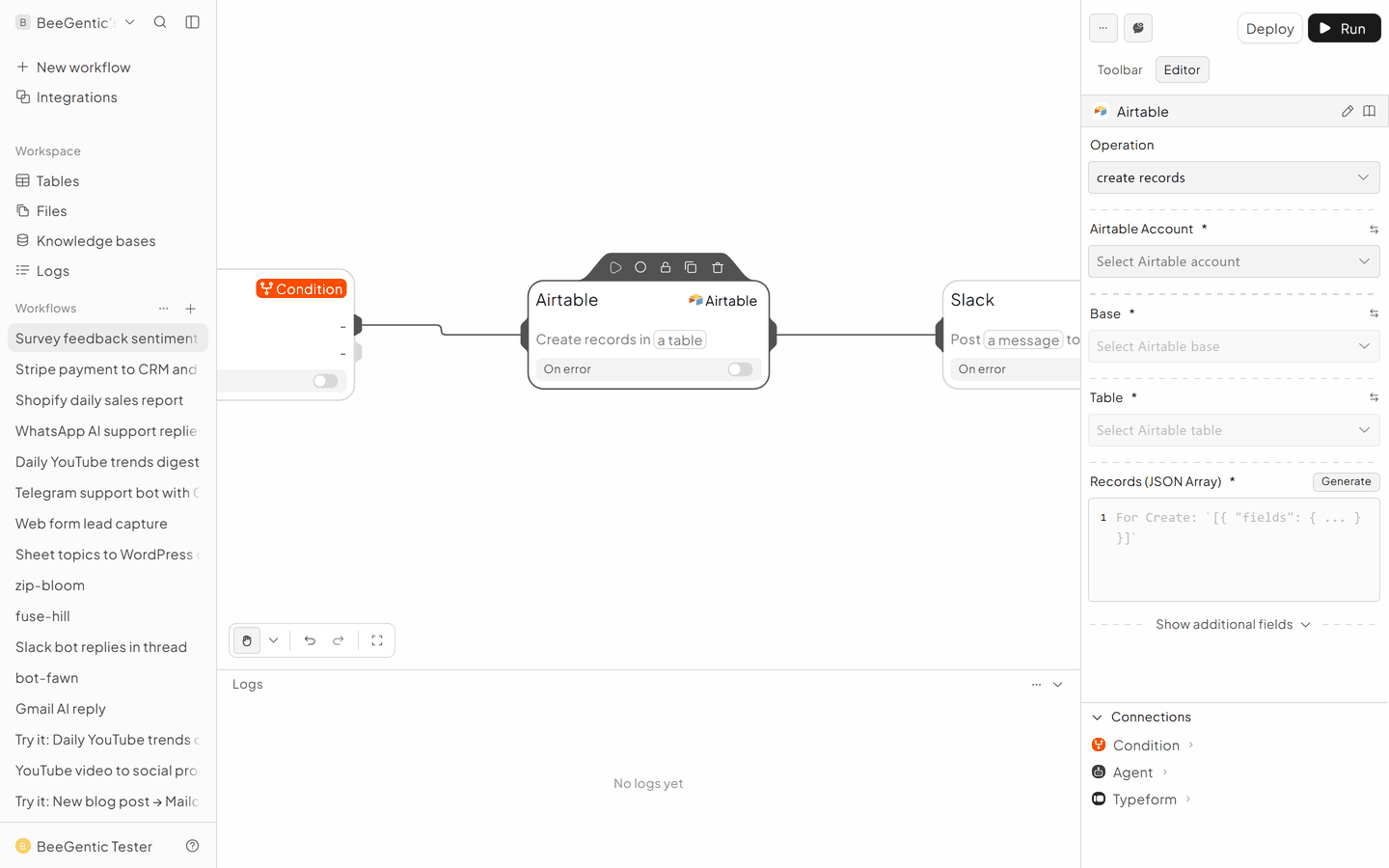
Save to Airtable
- Operation: Create Records
- Base / Table: Feedback
- Records:
[{"fields": {"Feedback": "<typeform.answers>", "Sentiment": "<agent.content>"}}]
Alert Slack (negative only)
Slack → Send Message to #customer-care: Unhappy customer, please follow up: <typeform.answers>
The finished workflow

Example result
We ran the AI step of this recipe in BeeGentic (model gpt-5-mini) with a sample input. The text below is the actual output, unedited.
Sample input:
Classify the sentiment of this customer feedback as exactly one word: positive, neutral or negative. Feedback: The delivery was two days late and nobody answered my email.What BeeGentic produced:
negative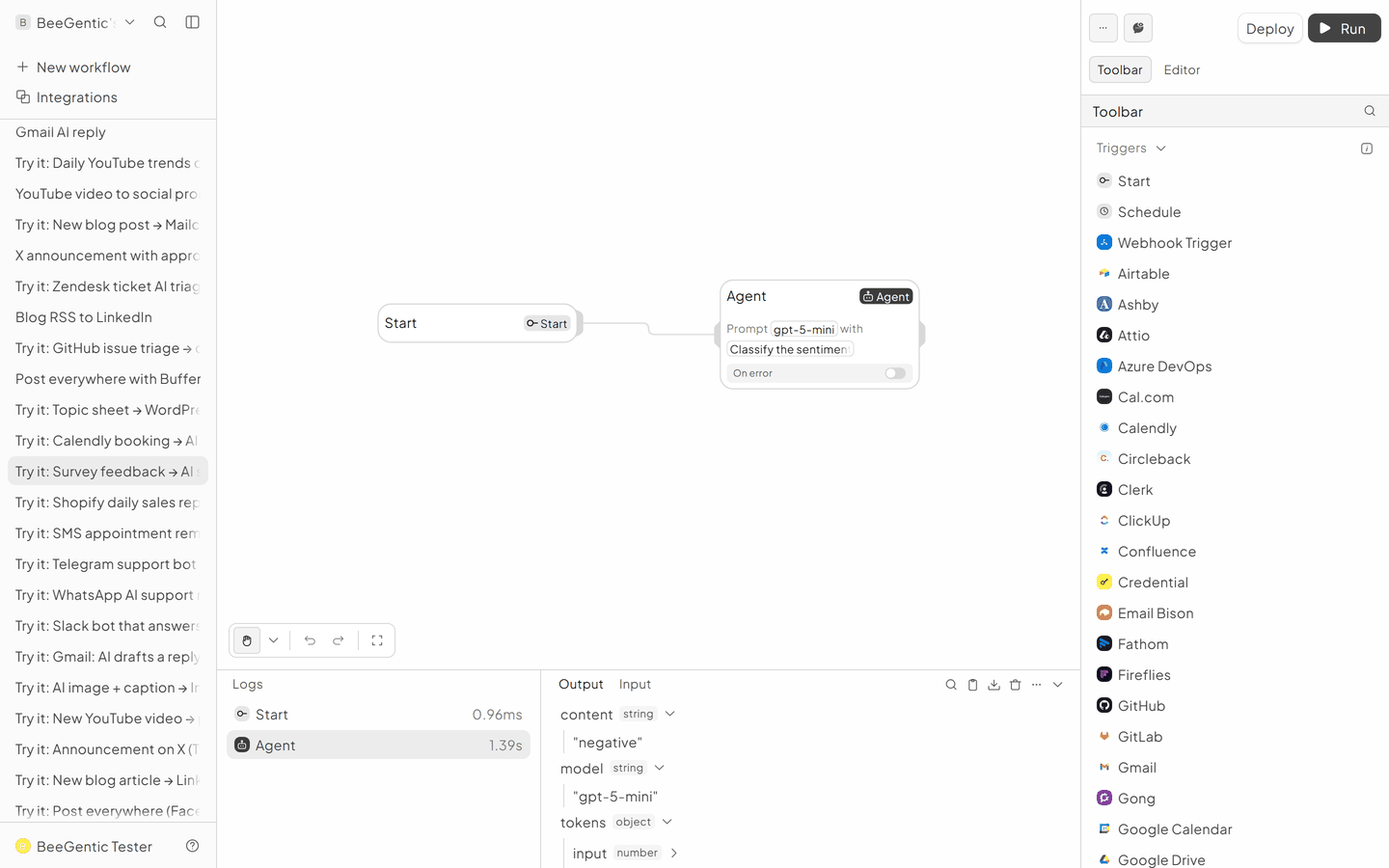
AI output varies from run to run. Change the wording of your prompt to change the style, length or tone.
Test it and switch it on
Deploy, then submit your survey once with a happy answer and once with an unhappy one.
Make it yours
- Google Forms: use the Google Forms trigger instead.
- Weekly digest: a scheduled workflow summarises the week's Airtable rows.
Something not working? See Troubleshooting or get help.