

Topic sheet → WordPress blog draft → Slack
The next topic in your sheet becomes a full article draft in WordPress.
Level: Intermediate · Time: about 15 minutes · Category: Support, content & operations
Watch the workflow being built in BeeGentic (no sound).
What it does
Every Tuesday BeeGentic reads the next topic from a Google Sheet. The AI writes a full article, it's saved as a WordPress draft, and your editor gets a Slack message.

You'll need
- A Google Sheet of topics
- A WordPress.com site (WordPress switched on by your admin)
- Slack
Build it step by step
Schedule it
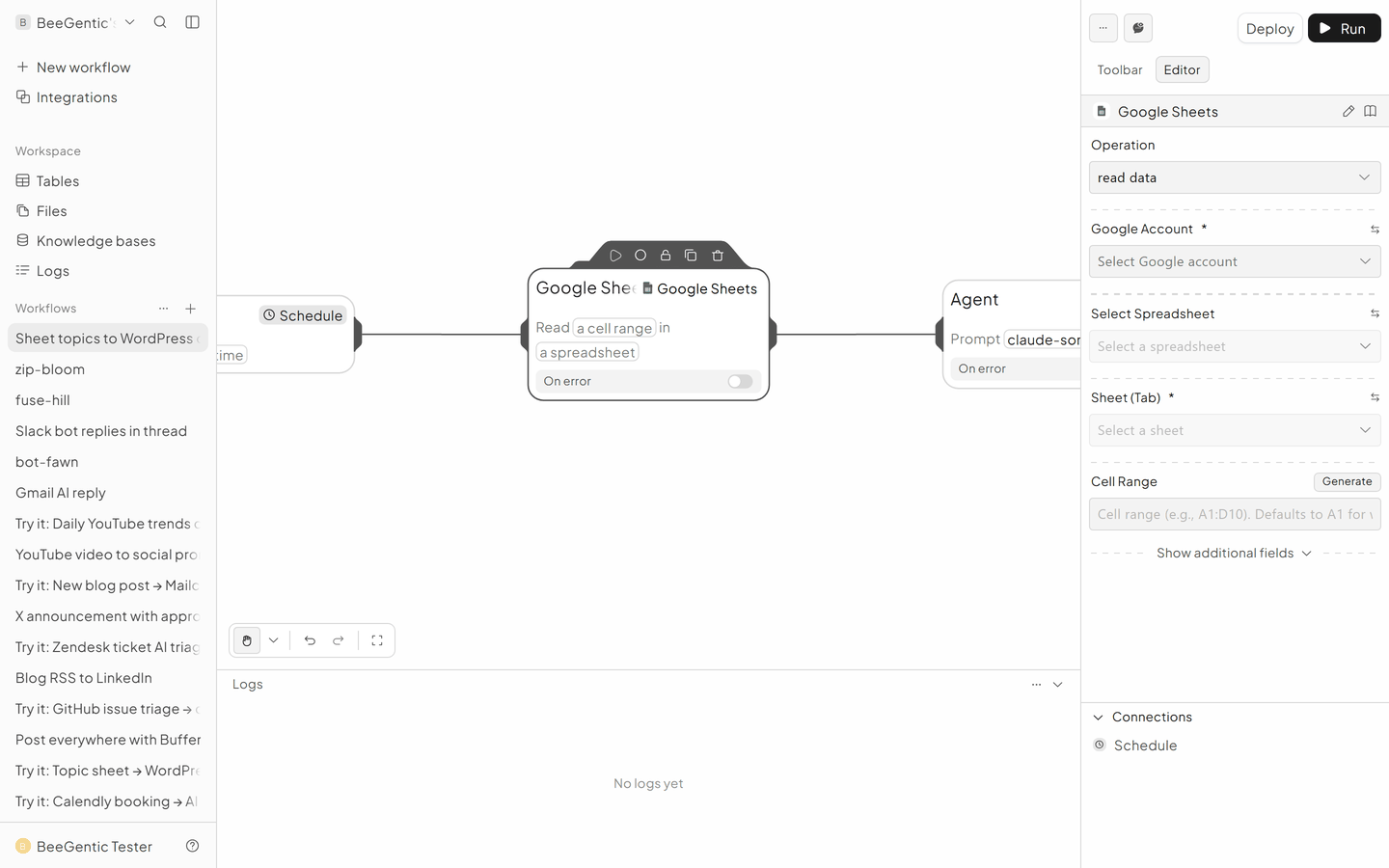
New workflow, delete Start, Schedule: Weekly, Tuesday, 08:00.
Write the article
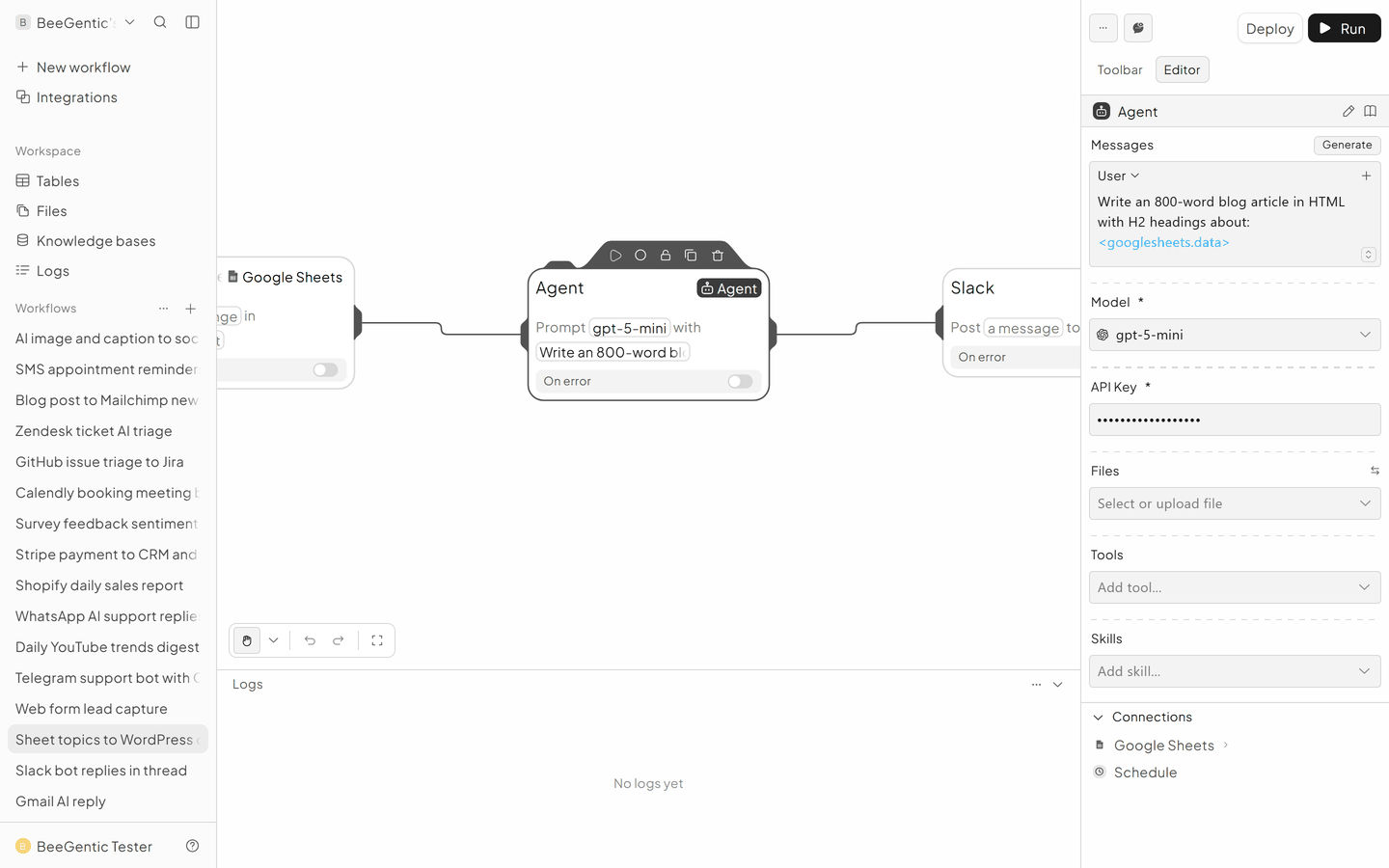
Agent: Write an 800-word blog article in HTML with H2 headings, an intro and a conclusion, about: <googlesheets.data>. Return only the HTML.
Save the WordPress draft
WordPress → Create Post.
- Site:
yoursite.wordpress.com - Title: your topic
- Content:
<agent.content> - Status: Draft
Tell the editor
Slack → #content: New draft ready for review
The finished workflow

Example result
We ran the AI step of this recipe in BeeGentic (model gpt-5-mini) with a sample input. The text below is the actual output, unedited.
Sample input:
Write a 150-word blog article intro in HTML with one H2 heading about: How small shops can answer customer emails faster with AI. Return only the HTML.What BeeGentic produced:
<h2>How small shops can answer customer emails faster with AI</h2>
<p>Small shops can dramatically reduce response times by using AI tools that draft, categorize, and prioritize customer emails. Start by training simple templates for common inquiries like order status, returns, and product details, then leverage AI to suggest personalized openings and closings that match your brand voice. Automated triage labels urgent issues, routes messages to the right staff, and highlights repeat customers for special attention. Integrations with inventory and POS systems allow instant, accurate updates without manual lookups. Keep humans in the loop: use AI to compose and summarize, while employees approve final replies to ensure empathy and compliance. Monitor performance metrics, refine prompts, and protect customer data with secure settings. With modest setup and clear rules, small teams can reallocate time from inbox management to in-person service, boosting satisfaction and sales. Begin with templates, test, measure, and iterate weekly.</p>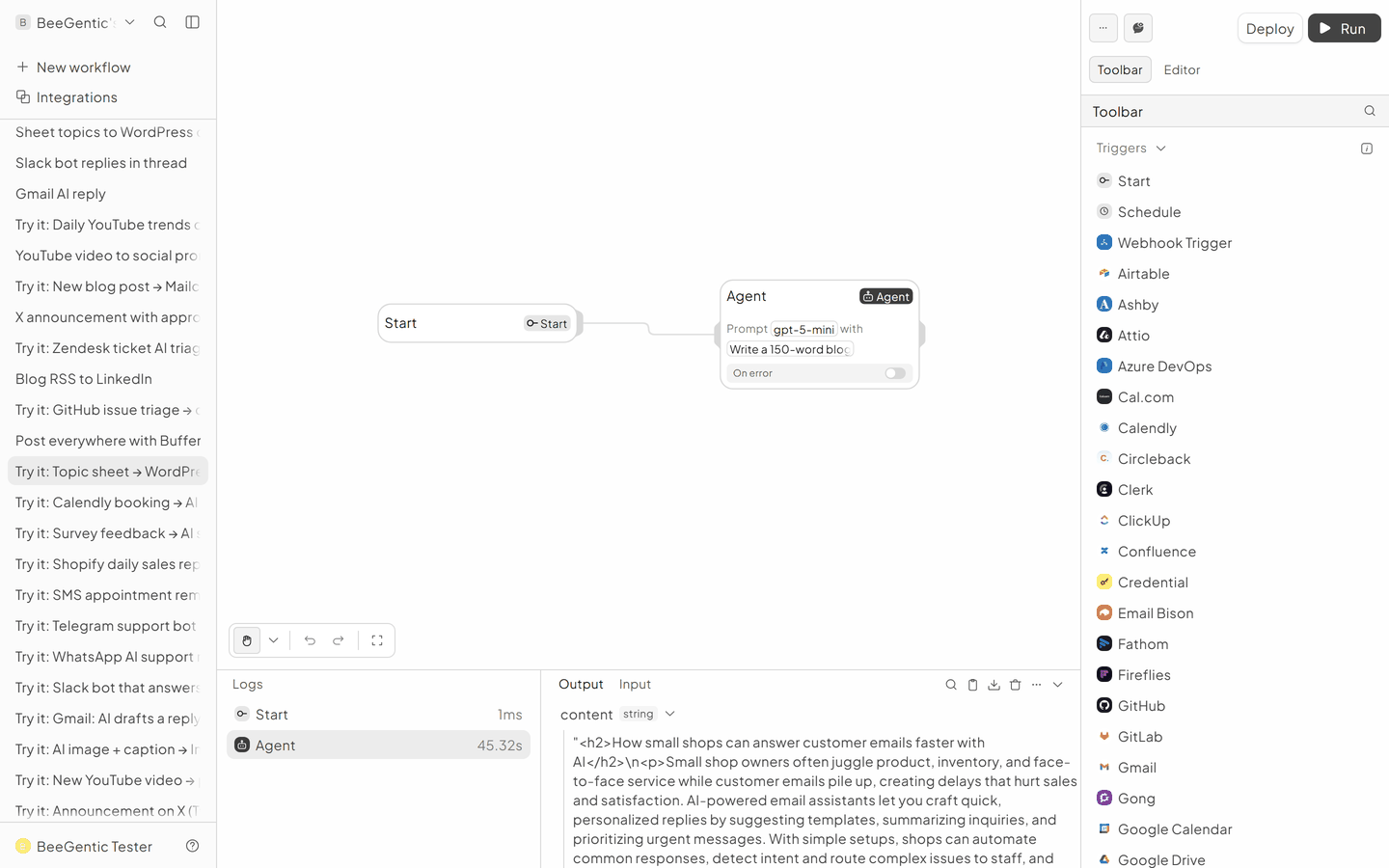
AI output varies from run to run. Change the wording of your prompt to change the style, length or tone.
Test it and switch it on
Click Run and check WordPress → Posts → Drafts. Then Deploy.
Make it yours
- Mark done: Google Sheets Update Data writes "Drafted" in the row.
- Featured image: Image Generator, then WordPress Upload Media.
Something not working? See Troubleshooting or get help.