

Build your first workflow (5 minutes)
An AI that writes a social post, built and run in BeeGentic, with the real result.
You'll build the smallest useful workflow: you type a topic, and the AI writes a ready-to-post social update. No accounts to connect.
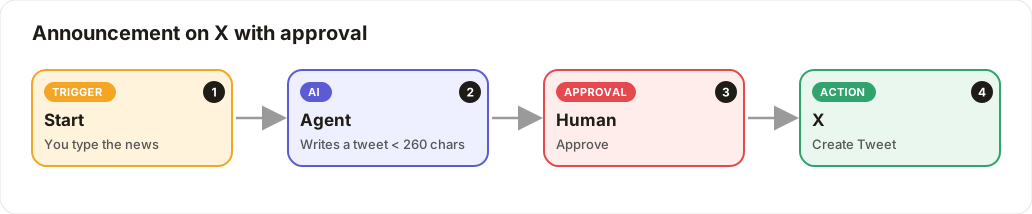
Create a workflow
In the sidebar, click New workflow. It already contains a Start block; that's what runs when you click Run.
Save your AI key once
Go to Settings → Secrets → Workspace. Add OPENAI_API_KEY with your OpenAI key and click Save. You'll reference it as {{OPENAI_API_KEY}} so the real key never appears in the workflow.
No key? Use the ChatterMate block instead of Agent (it runs on your CleverCreator credits).
Add an Agent
Click Toolbar, find Agent under Blocks, and click it. It appears on the canvas, already connected to Start.
Tell the Agent what to do
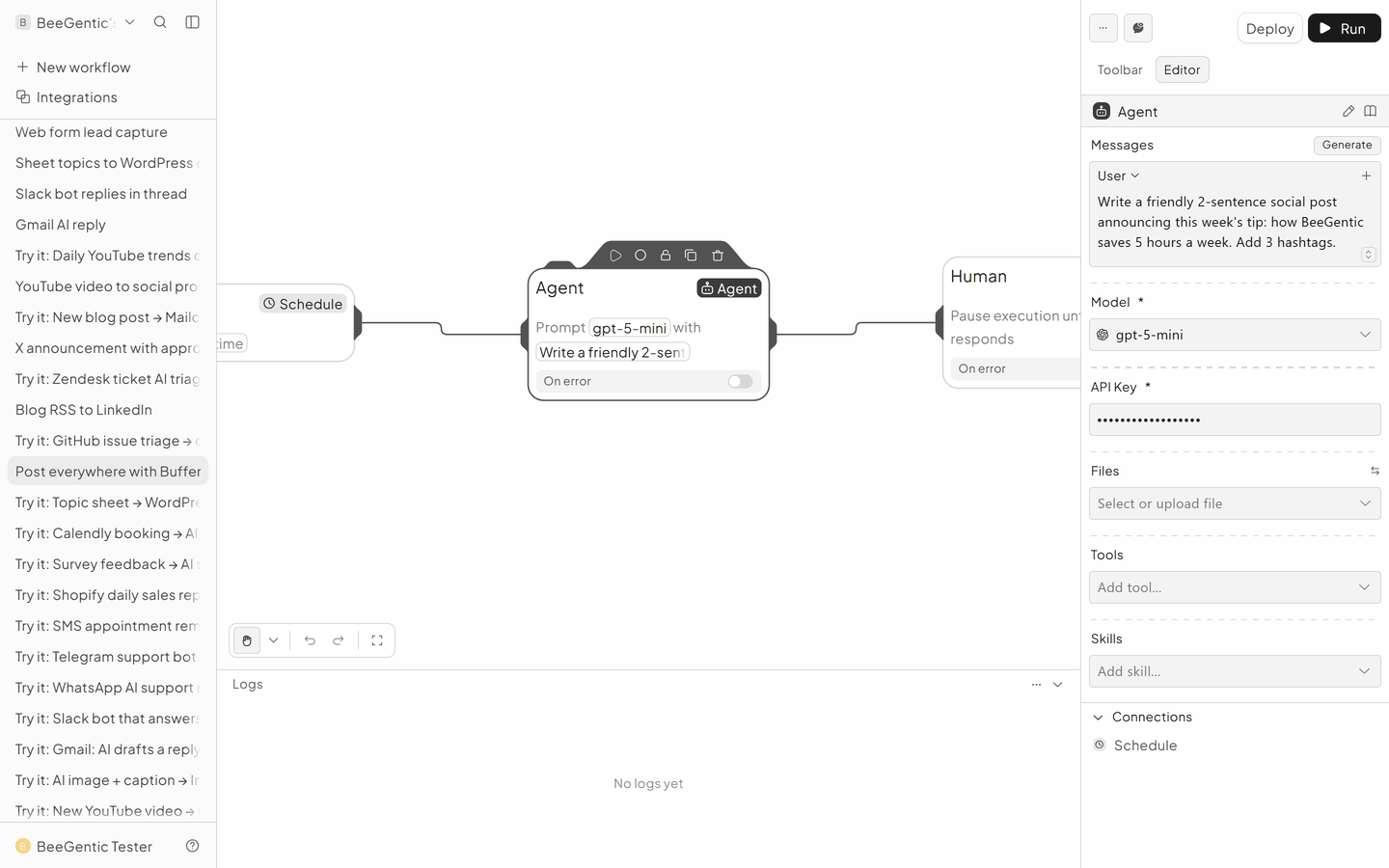
In the Agent's Messages:
- System:
You are our social media writer. Friendly, clear, no jargon. Max 60 words. - User:
Write this week's post about: <start.input>. End with 3 hashtags.
Set Model to gpt-5-mini and API Key to {{OPENAI_API_KEY}}.
Run it
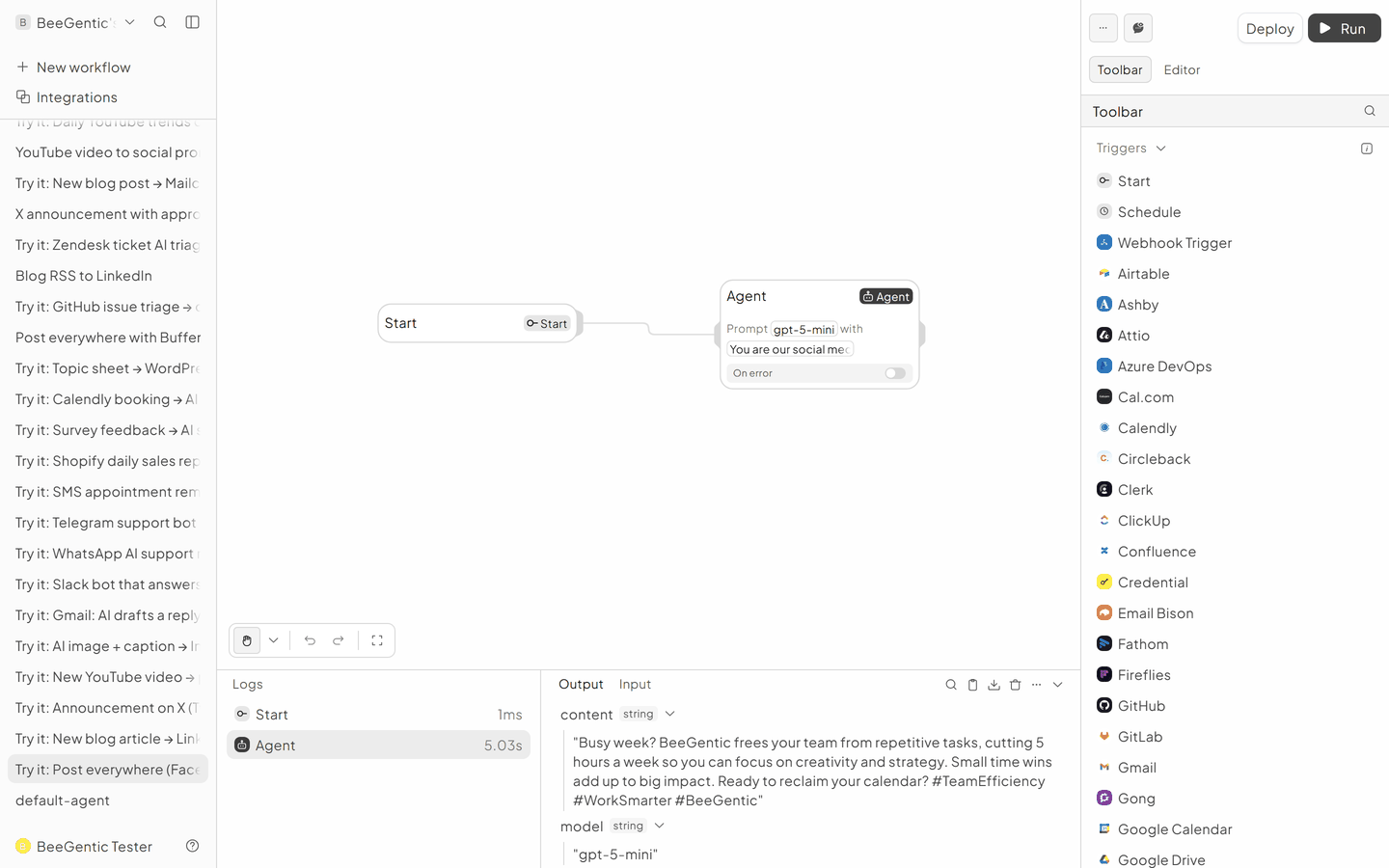
Click Run, type a topic (e.g. how BeeGentic saves teams 5 hours a week) and press Enter. After a few seconds the Logs panel shows the Agent's output.
The real result
This is exactly what BeeGentic produced in our test run (model gpt-5-mini):
BeeGentic saves teams about 5 hours a week by automating repetitive tasks, centralizing data, and speeding approvals. Use that time for strategy, creativity, or a well-deserved break. Try BeeGentic and feel the difference. #Productivity #WorkSmarter #BeeGenticWhat next?
- Publish it: add a Buffer block to post to Facebook, Instagram, LinkedIn and X. See Post everywhere.
- Approve first: add a Human block between the Agent and Buffer.
- Run it on a schedule: replace Start with Schedule and Deploy.
- Browse all 20 recipes.