Getting started
Run, deploy and logs
Test a workflow, switch it on, and see what happened.
Test with Run
Click Run. Workflows that start with Start ask for an input first. Each block lights up as it runs, and the Logs panel under the canvas shows every block's input and output. Fix and run again as often as you like.
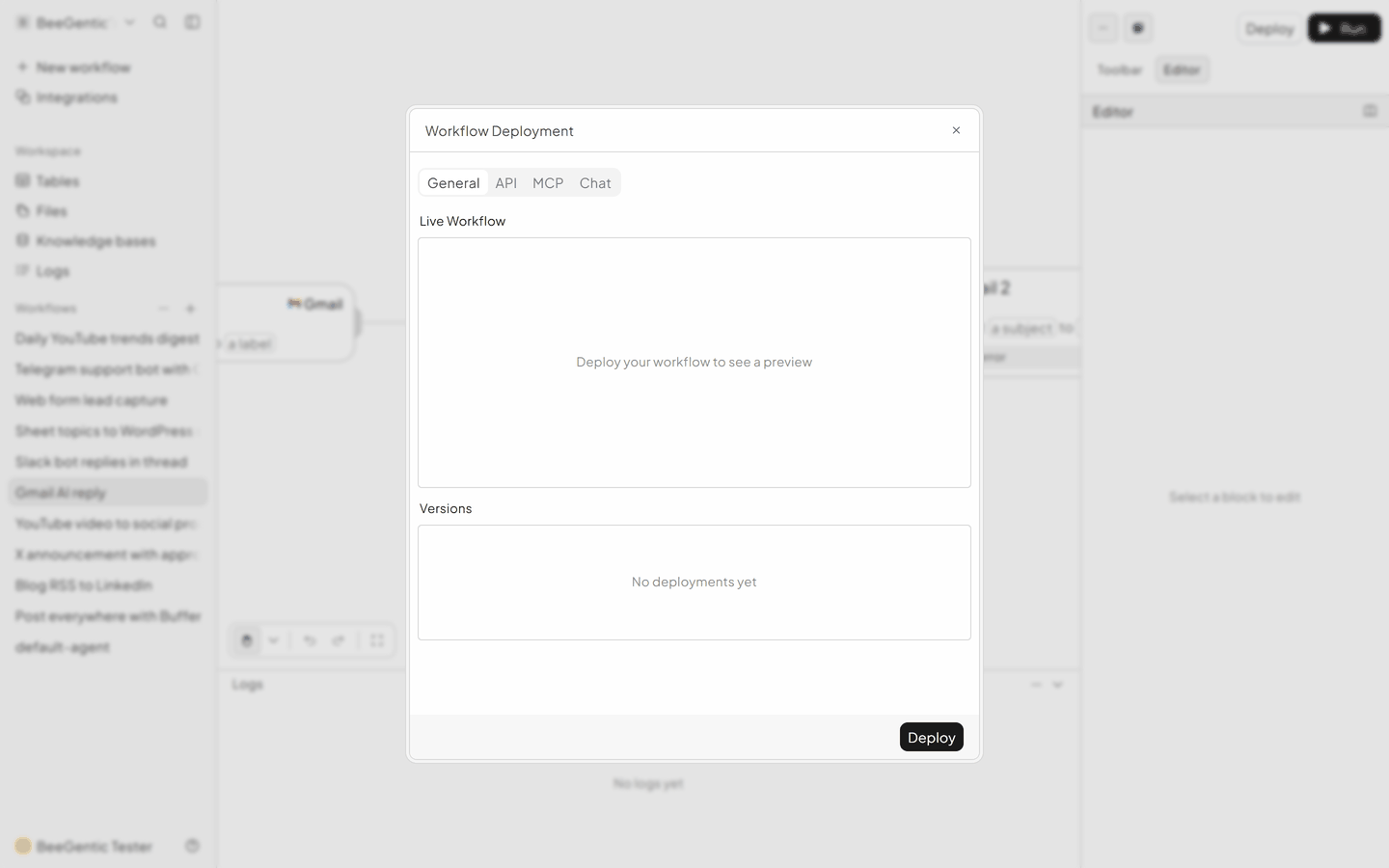
Switch on with Deploy
Schedules, webhooks and app triggers (new email, Slack mention, new order…) only run after you Deploy. Deploy again after each change you want to go live.
| Tab | Use it to |
|---|---|
| General | Deploy, see versions, roll back |
| API | Call the workflow from your own systems with a BeeGentic API key |
| MCP | Use the workflow as a tool from AI assistants |
| Chat | Publish it as a chat page |
Logs
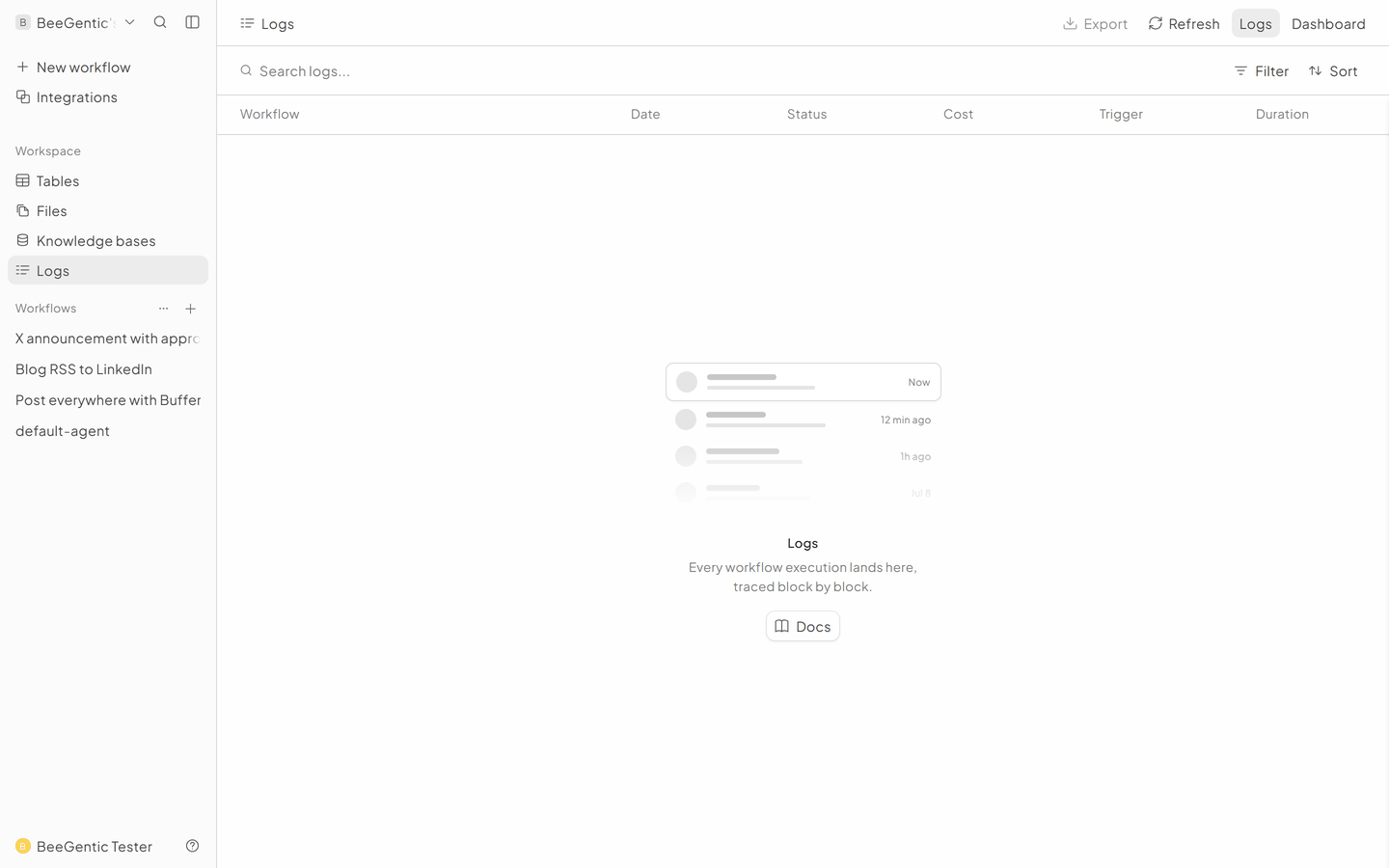
Every run, manual or automatic, is kept under Logs in the sidebar, with the inputs, outputs, time and cost of each block.
API keys
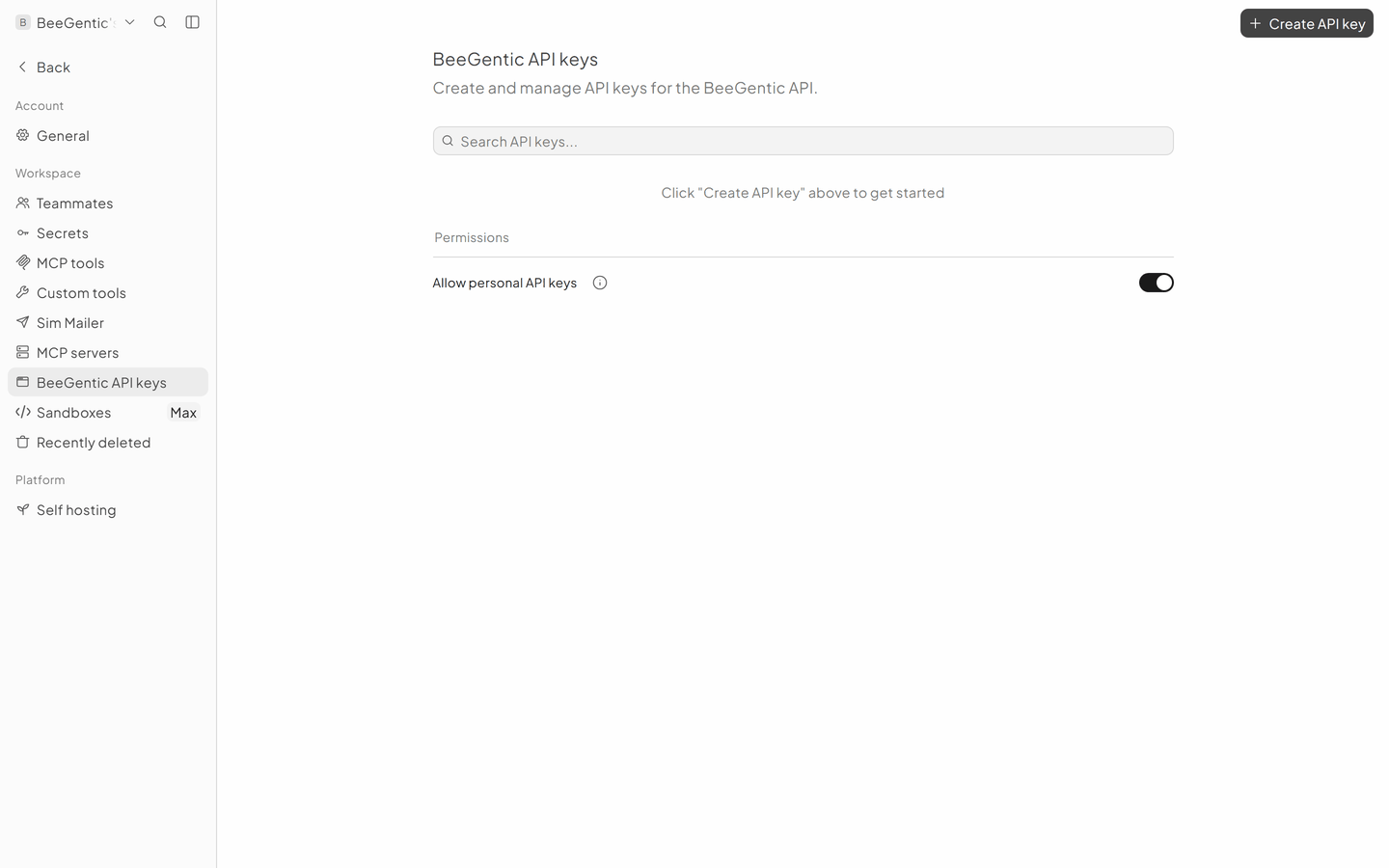
Settings → BeeGentic API keys creates keys for the API tab above. Treat them like passwords.