References, accounts and secrets
Use results from earlier blocks, connect your apps, and keep API keys safe.
Use results from earlier blocks
In any text field, type < to list everything earlier blocks produced, then pick one.
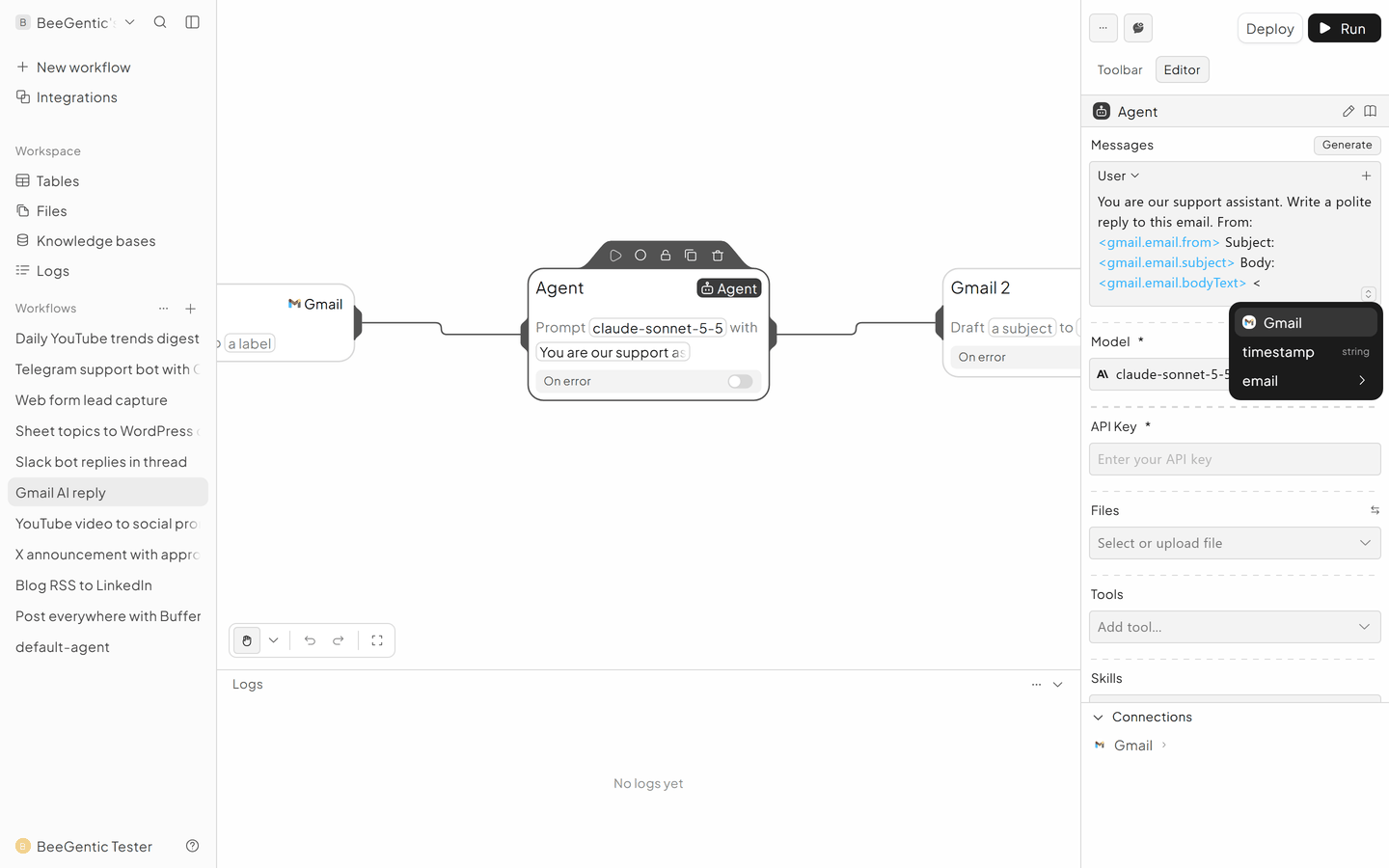
| Reference | Meaning |
|---|---|
<start.input> | What you typed when you clicked Run |
<agent.content> | The text the Agent wrote |
<gmail.email.subject> · <gmail.email.bodyText> · <gmail.email.threadId> | The email that triggered the workflow |
<slack.event.text> · <slack.event.timestamp> | The Slack message that mentioned your bot |
<whatsapp.from> · <whatsapp.text> | The WhatsApp sender and their message |
The first part is the block's name in lower case without spaces: rename a block "Write Post" and it becomes <writepost.content>. A second Gmail block is "Gmail 2", so <gmail2…>.
Connect your apps
In an app block, open its Account field (e.g. Gmail Account) and choose Connect. Sign in to the app in the window that opens and approve. The account can then be reused in every workflow in the workspace.
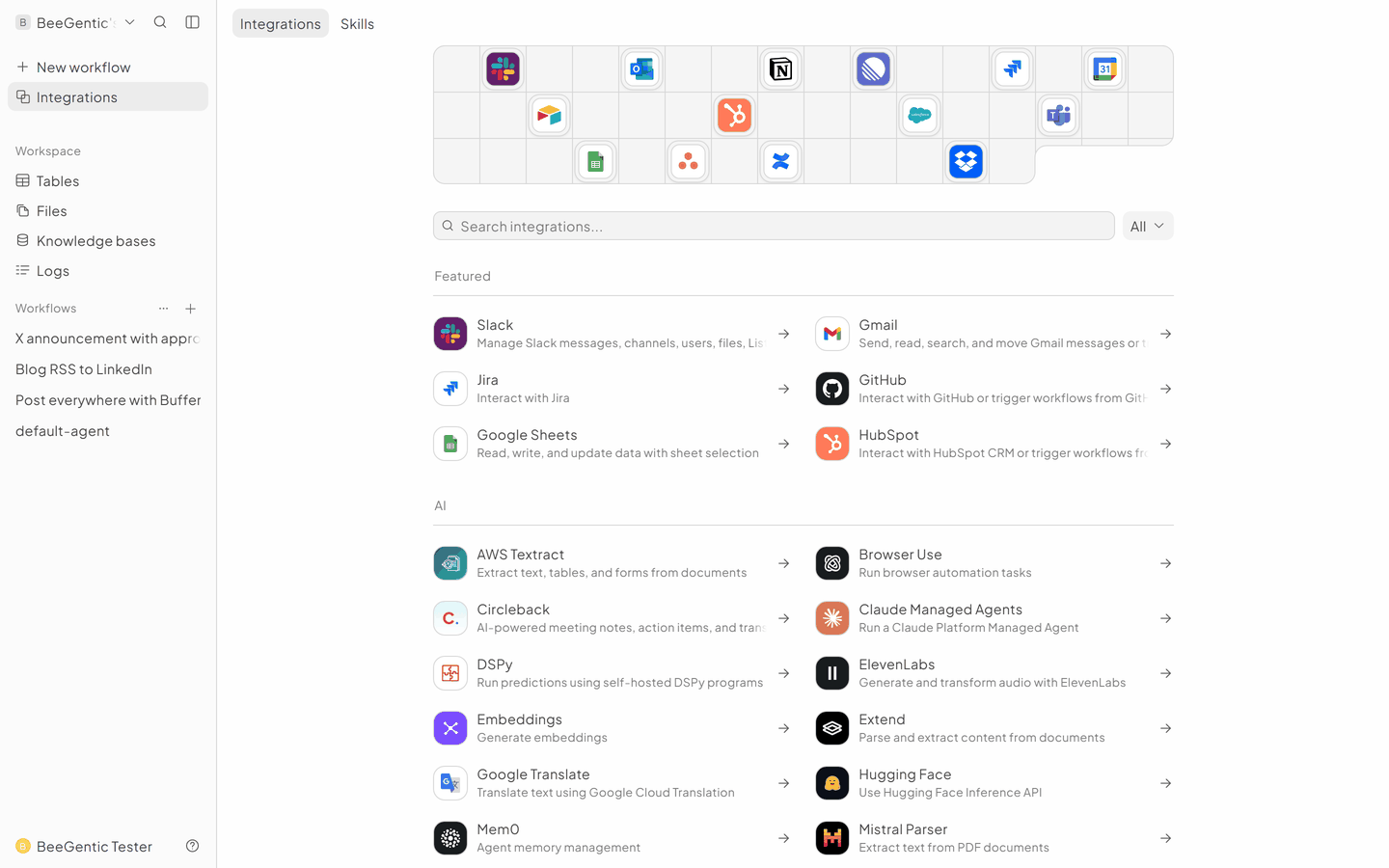
Apps that use a key or bot token (Buffer, YouTube, Discord, Telegram, WhatsApp, Stripe, Twilio) take it in the block. Save it as a secret first.
Keep keys safe with secrets
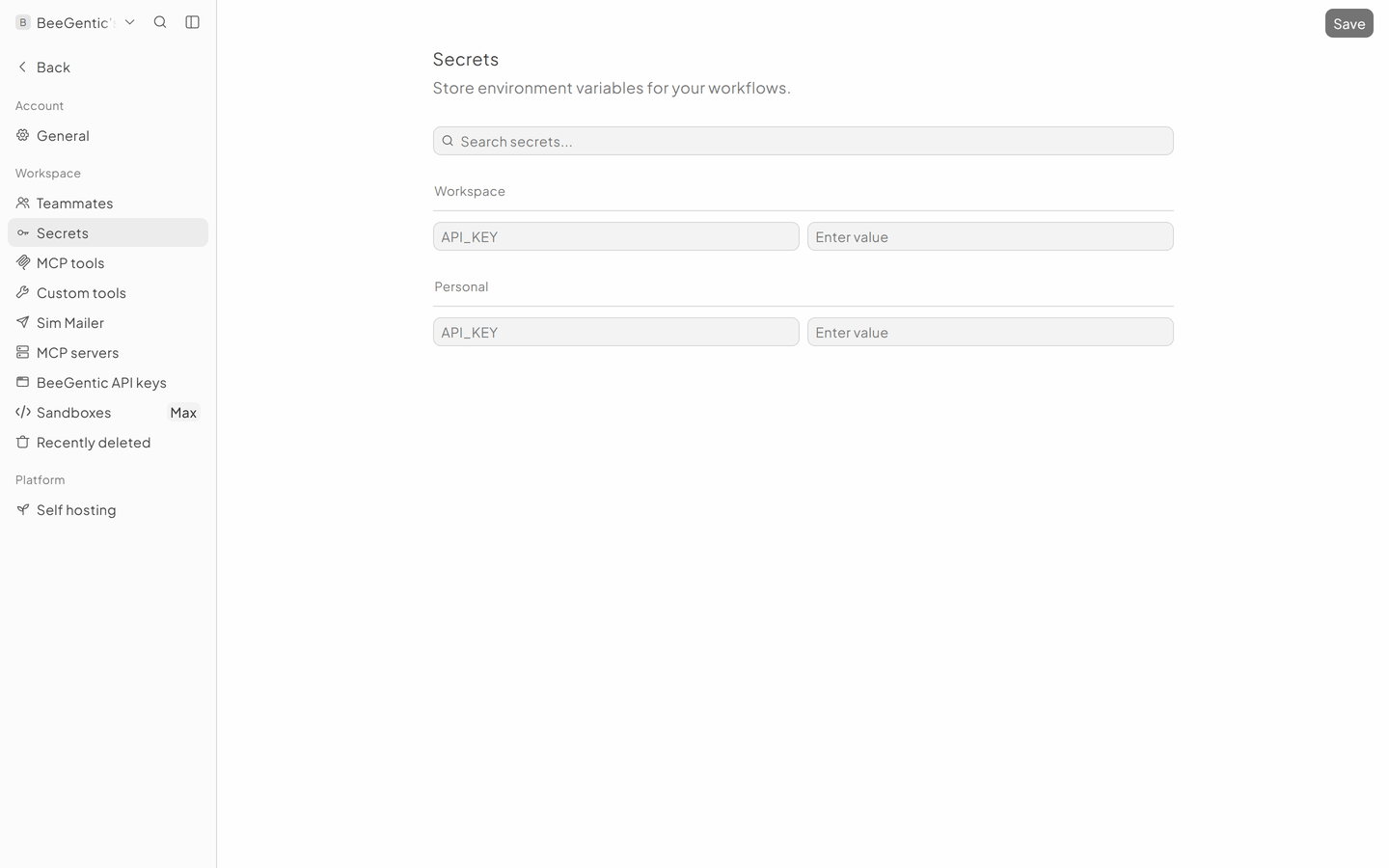
Settings → Secrets stores API keys and tokens. Use them in any field as {{NAME}}, e.g. {{OPENAI_API_KEY}}, so the real value never appears in the workflow, its logs or screenshots.
- Workspace secrets are shared with your team.
- Personal secrets are only yours.